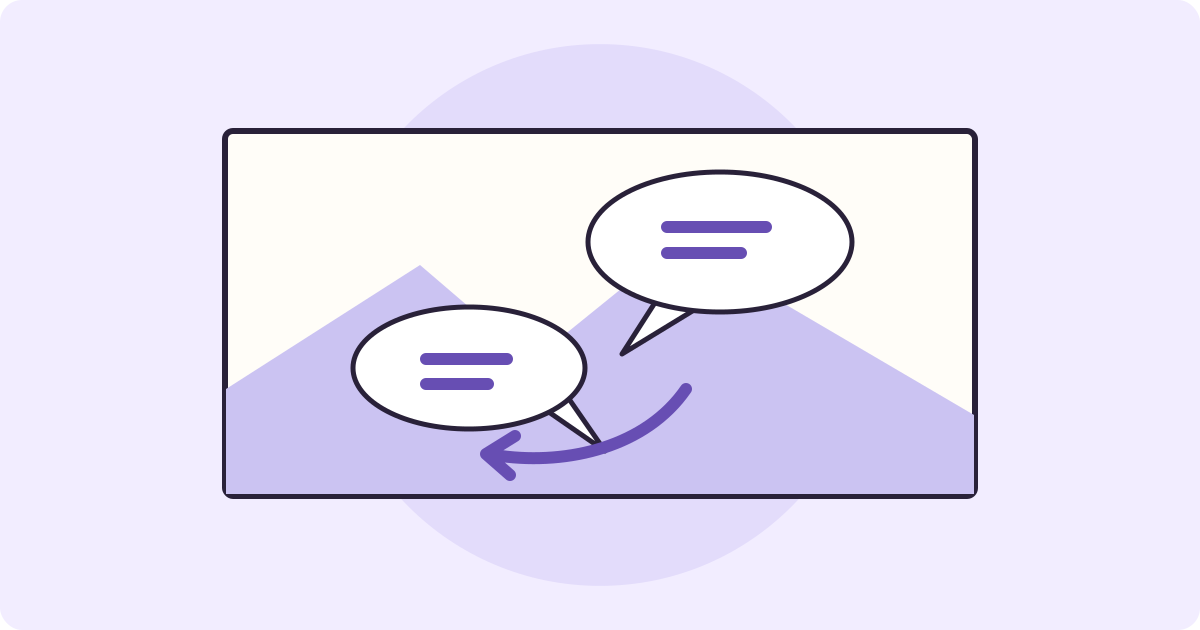
To translate a manga panel, start with a clear image you are allowed to use. Before uploading it, trace the dialogue in the original. Then compare the translated image and recognized text with each speech bubble. A translation can get the words right and still put them in the wrong order.
- Keep the complete bubbles and enough of the art to see who is speaking.
- Mark the reading order on the original.
- Compare the Japanese that the tool read with each bubble, then check the translation in that order.
Find the Reading Order Before You Translate
Bubble height, tails and what happens in the scene help when the order is unclear. A tail can point to the character who speaks; a rectangular caption may be narration. Read a few lines before and after a confusing panel. Keep sound effects drawn into the artwork separate from dialogue.
Try the Image Translator on One Panel
Save or capture one clear panel in a format such as PNG or JPEG. Leave space around the bubble edges and tails. If another panel supplies the speaker or a missing piece of dialogue, keep it open beside the image you upload. The demo displays a 4 MB image limit. Avoid shrinking the lettering until small characters are hard to read.
The public image demo starts with one free image translation total. Trying the fictional practice panel below uses that same allowance; prior use can leave none. The demo accepts a single image and detects the source language. It cannot open a chapter, PDF or comic archive.
- Choose your panel or download the practice image below. Leave English (US) selected for this example, or choose another target.
- Select Translate image. When a result appears, look at the original and translated images side by side.
- Open Show translation blocks. Match the recognized Japanese to the original bubbles, then read the translated lines in the order you marked. Use the original positions as your guide, even if the blocks appear in a different order.
Try it yourself
Practice With Two Bubbles and a Blue Box
This is our own fictional Japanese panel, made for this guide. Read the upper right bubble first: “先に行って。箱は開けないで。” Then read the lower left bubble: “わかった。青い箱だね。” In each bubble, the right column comes first.
Download the original Japanese practice panel (PNG)
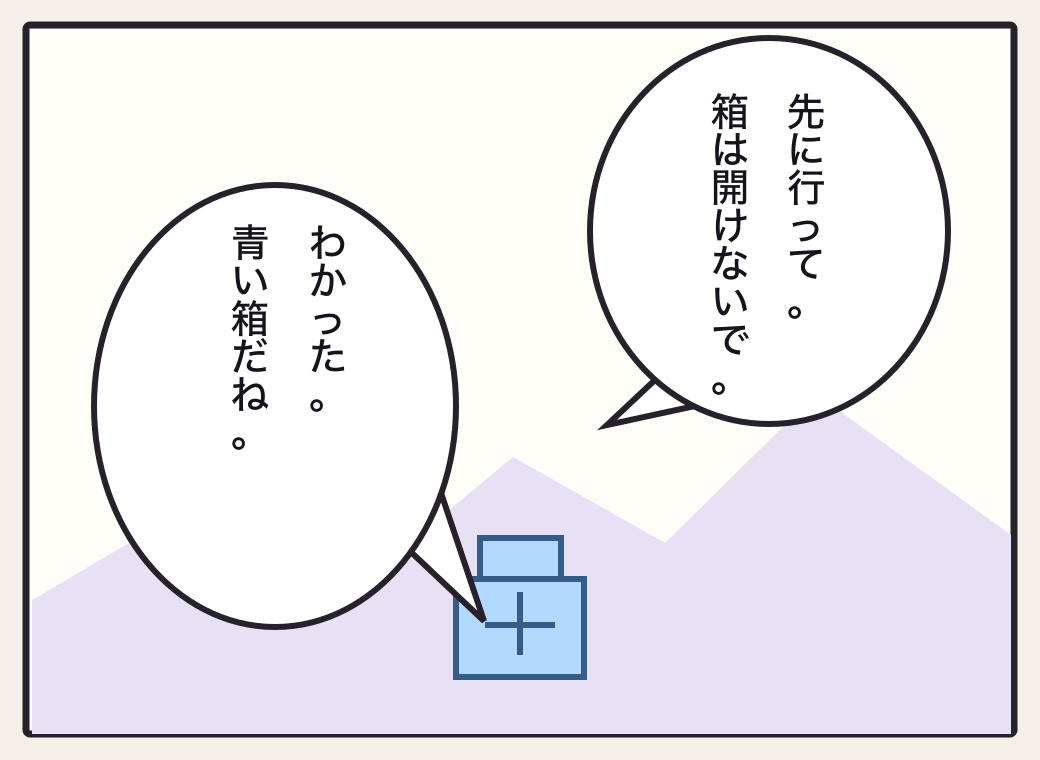
In our test, the image tool recognized two blocks in this order. The first read “Go ahead. Don’t open the box.” The second read “Got it. It’s a blue box.” The first line could also be phrased as “Go on ahead,” depending on context. Check that the prohibition stays with the first speaker and the reply stays with the second. This result is from this image only.
Check the Japanese Before You Fix the Translation
- Compare the recognized characters with the original. In 箱は開けないで, the ないで is what makes the line a request not to open the box. If the recognizer misses it, the translation starts from the wrong Japanese.
- If the recognized text includes ないで but the translation gives permission to open the box, the issue is in the translation. Keep the sentence and the nearby reply together when you check what it means.
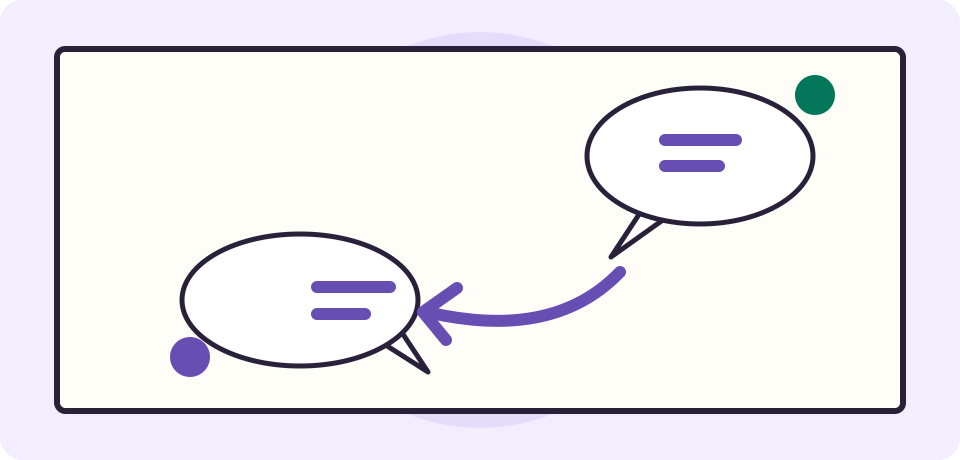
- If both lines read correctly but appear in the wrong order, use the bubble positions, tails and reply to rebuild the exchange. Do not assign a speaker from a list position alone.
Keep a Reading Copy You Can Trust
A translated image can help you follow the scene. The demo does not promise comic reading order, perfect vertical text or redrawn lettering. It has no bubble editor. Keep the original and put any checked corrections in separate notes, with one numbered line per bubble. Editing the notes will not change a downloaded image.
See the screenshot guide for more ways to compare a source image and its recognized text.
Frequently Asked Questions
How do I translate a manga panel to English?
Upload one clear, permitted panel image and select English in the image demo. Compare the translated image and recognized Japanese with the original, then read the dialogue in the original order.
Do I read every manga panel from right to left?
Many Japanese print editions use right to left, but layouts, mirrored editions and vertical scrolling formats can differ. Check the edition’s guide, the panel arrangement and the dialogue before assuming the order.
Can the image demo read vertical Japanese?
It recognized the vertical Japanese in this fictional practice panel. Small, stylized or crowded text can be missed or read in a different order. Compare the recognized characters and each column with the source image.
What if a sound effect is missing?
Hand-lettered sound effects can blend into the drawing. Check the source rather than treating a blank as proof it was silent. If the effect matters and you cannot read it, mark it as uncertain.
Can I translate an entire manga chapter here?
The embedded demo takes one image, such as a PNG or JPEG. It does not open a PDF, comic archive or chapter link. The initial free allowance is one image translation total, and the practice image uses the same allowance.
How do I fix a bubble that was translated incorrectly?
Check whether the mistake is in the recognized Japanese, the translation or the reading order. Record the corrected line in separate notes or a suitable editor. The demo does not edit a downloaded image.