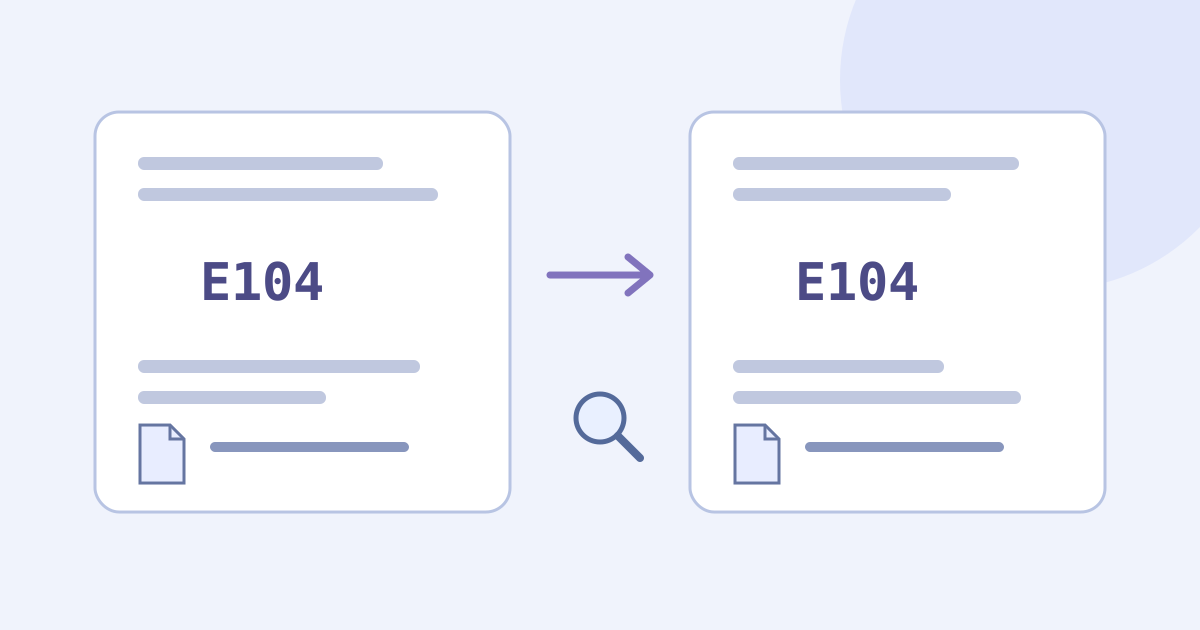
To translate an error message, keep its original wording, identify the source language, and translate the human-readable explanation alongside the original. Compare error codes, filenames, numbers and negative instructions before using the reading. A translation can help you understand what a message says; it does not diagnose the fault, prove a proposed fix is safe or change the software’s language.
- Save the original message and the product, version and action that produced it.
- Remove information you are not permitted to process online; use the fictional example below when unsure.
- Choose the correct language pair and translate a complete short message.
- Check identifiers and meaning separately, then consult the actual product’s official help or support.
Keep the Original Error for Support
An error message can contain an explanation, an identifier and an action. The explanation may need translation while an error code or filename needs to remain exact. Keep the original beside your reading rather than replacing it with an assumed English equivalent. The same code can belong to different products; a familiar-looking number alone does not establish the cause.
Record the product or component, its version when known, the time and the action you were attempting. Separate the original message from your description of what happened. Mark missing details as unknown instead of inventing a version, successful save, failed device or root cause. A short message may not contain enough information to resolve the problem.
Prepare a Permitted Short Message
- Copy the complete relevant sentence faithfully, including punctuation, negatives, codes and the labels needed to understand it. Compare copied text with the original. Do not guess a missing character from a cropped screenshot.
- Keep exact identifiers in your own permitted record: letter case, digits, punctuation, filename extensions and version strings can matter. Do not translate a filename into a different filename or silently normalize a code.
- Do not paste passwords, API keys, tokens, connection strings, customer records or private logs into this public demo. A screenshot or path can also expose names or internal information. Use an organization-approved route when the text is confidential or you lack permission to send it online.
- If you use placeholders to remove irrelevant private detail, label the copy as altered, keep roles and references clear, and do not assume redaction guarantees anonymity or permission. Retain the untouched original only where you are allowed to keep it.
For a message visible only in an image, the separate image workflow can help you read the screenshot. Verify the original-language text against the image before continuing here; a translated rendering is not the original. This embedded text component does not import screenshots, PDFs, files, webpages or log bundles.
Read JotMe’s policy before sending text for online processing
Read the Message in the Text Demo
This article’s embedded demo starts with German as the source and English as the target for the fictional exercise below. For your own message, choose its actual source language and a supported target; the languages must differ. Translation starts automatically after you pause typing or pasting. There is no Translate button or error-diagnosis mode.
- Save the original and any useful current result in your own permitted document before changing input.
- Choose the source and target languages, paste the complete short message and wait for the current result. Editing text or changing languages can start another automatic request.
- Read the translation and any Explanation separately. An explanation may be absent; it does not independently verify a cause, a remedy or the trustworthiness of instructions.
- Use ordinary browser selection to save the useful text alongside the original, then perform the comparisons below.
Try it yourself
0 / 5,000 used · 5,000 left
Translation will appear here
Explanation
An explanation of translation choices appears here when your translation is ready.
The public text allowance starts at 5,000 lifetime tokens including previous text-tool use, not 5,000 words or characters. Input, output and any explanation contribute, and the displayed balance may already be lower or zero. Another message, language, day or retry does not reset it. Edits, language changes and retries may consume more of the same balance. Save externally before replacing text or leaving: insufficient allowance can clear the input or result.
The demo needs a network connection. It has no dedicated copy button, log-file importer, error-code database, automatic repair, script runner, remote-support connection, annotation project or file-export control. A persistent guest archive or transfer of guest results into a signed-in account is not promised. Keep a traceable record outside the demo.
Compare a Fictional German Error Message
Author-written German practice message: “Die Datei „bericht.txt“ wurde nicht gespeichert. Fehlercode: E104. Löschen Sie die Originaldatei nicht.” This is a fictional language exercise, not a message from a real product, a tested troubleshooting instruction or captured JotMe output. The arbitrary code E104 does not identify a real fault here.
Author-written English reference: “The file ‘bericht.txt’ was not saved. Error code: E104. Do not delete the original file.” This is an editorial reading, not observed provider output. The filename stays bericht.txt; translating its ordinary German word into report.txt would name a different file.
- Identifier check: E104 must remain E104, with the same letters, digits and case. Keep bericht.txt and its extension unchanged when referring to that file. A copied identifier is useful for comparison, not a guarantee that the surrounding sentence is correct.
- Outcome check: “was not saved” must not become “was saved.” Preserve whether the message reports a completed event, a current condition or a possible outcome; do not invent a cause for the failed save.
- Action check: retain “Do not delete the original file.” Removing the negative reverses the instruction. Translating this sentence does not confirm that any other proposed deletion, download or command is safe.
- Context check: keep the message tied to the actual product and action when working with a real error. The same wording or code in another application may refer to a different condition.
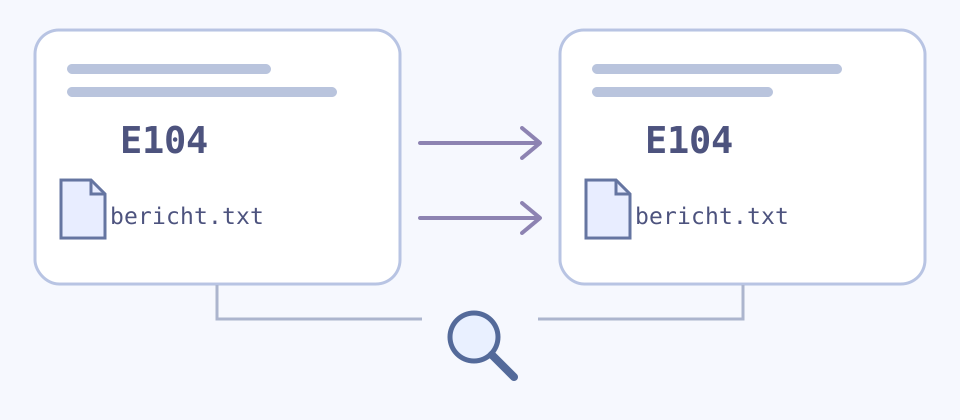
Checking letters and numbers can expose a mismatch but cannot establish that a negative, condition or suggested action was understood. Ask a knowledgeable bilingual reader about material uncertainty and retain the complete permitted context. A second automatic translation or a back-translation is another reading, not independent proof of accuracy.
Separate Understanding from Troubleshooting
- Keep what the message states separate from a possible explanation. “Could not save” does not by itself establish a broken disk, a permission problem or a particular repair. Do not turn a generated Explanation into a confirmed diagnosis.
- Use the original code together with the actual product and version when consulting that product’s official help or support. Keep the original wording available; a translation should add context rather than replace the evidence.
- Do not run a command, delete a file, install a download, change security settings or follow an unfamiliar link merely because a translated message or explanation proposes it. Verify the source and use the product’s appropriate support process for consequential steps.
- If the source is incomplete, mixed-language or ambiguous, mark the uncertain part and obtain clarification. Do not assume automatic language detection handles every fragment or combine separately translated pieces as if the whole error had been checked.
Save a Useful Bilingual Support Note
- Keep the original message or source image in an allowed record, with product/component, version if known, time, attempted action and the exact non-sensitive code.
- Add the language pair, translated reading and unresolved words separately. Label an automatic Explanation and any checked correction, retaining who or what supported the correction.
- Distinguish an action suggested in the message from an action you actually performed. Record its actual result when known; do not mark the fault fixed because the translation is readable.
- Before sharing, check permissions, recipient and destination and remove unrelated private details. A “Translated from German” label describes the language relationship; it does not authenticate the message or certify a remedy.
For an external note on this exercise: Original identifier: E104; filename: bericht.txt; reported outcome: not saved; instruction in the message: do not delete the original file; cause: unknown; fix performed: none. This is an author-written record example, not a saved-project feature or a real support case.
If your source is a screenshot, use the dedicated screenshot guide for image preparation and its separate tool limits. If it is a longer set of instructions, keep that document’s full sequence and context rather than treating one extracted warning as the entire procedure.
Read the screenshot translation workflow
Read the instructions translation workflow
Open the full text translation page
Frequently Asked Questions
How Do I Translate an Error Message into English?
Keep the original, identify its source language, and translate a complete permitted short message into English. This demo starts German to English for the fictional exercise and translates automatically after a pause. Compare exact identifiers, negatives, conditions and actions with the source. Keep the original for support; a readable translation is not a confirmed diagnosis or fix.
Should I Translate Error Codes and Filenames?
Preserve identifiers exactly when referring to the original: letters, digits, case, punctuation, filename extensions and version strings can matter. Translate the surrounding human-readable explanation, then compare both. Do not rename a file by translating its name or assume the same code means the same thing in every product. Matching identifiers alone do not prove the message’s meaning is correct.
Can I Upload an Error Screenshot or Log File Here?
This embedded text component accepts pasted text, not image, PDF, file, webpage or log-bundle imports. Use only text you may send online and exclude credentials and private records. A separate image workflow can help read a screenshot within its own allowance and limits; verify original-language text against that source before using it here.
Does the Explanation Tell Me Which Fix Is Safe?
No. An explanation may be absent and is not independent verification of the cause, a repair or an instruction’s trustworthiness. Do not execute commands, delete files, install downloads or change security settings just because translated wording suggests it. Consult the actual product’s official help or appropriate support process, keeping the original message and uncertainty visible.
How Much Error Text Can I Translate for Free?
The public text allowance starts at 5,000 lifetime tokens including prior use, not 5,000 words or characters or a new balance per error, language or day. Input, output and any explanation contribute, and your balance may already be lower or zero. Editing, language changes and retries may use more of that same balance. Save useful text externally because insufficient allowance can clear input or results.
Can I Copy or Save the Translated Message?
Use ordinary browser selection to keep useful text beside its original in your own permitted notes. There is no dedicated copy button, file-export control or promised persistent guest archive in this component. Label translations, explanations, unresolved wording and checked corrections separately. Saving a translation does not establish that the original error was resolved.
What If the Message Mixes Languages or Leaves Out Context?
Keep the complete original and mark the uncertain parts. Choose the actual source language where known and do not assume detection handles every mixed fragment. Include enough permitted context to understand the affected action and identifiers. Seek clarification or knowledgeable bilingual help instead of inventing a missing cause or joining separately translated pieces without checking the whole message.