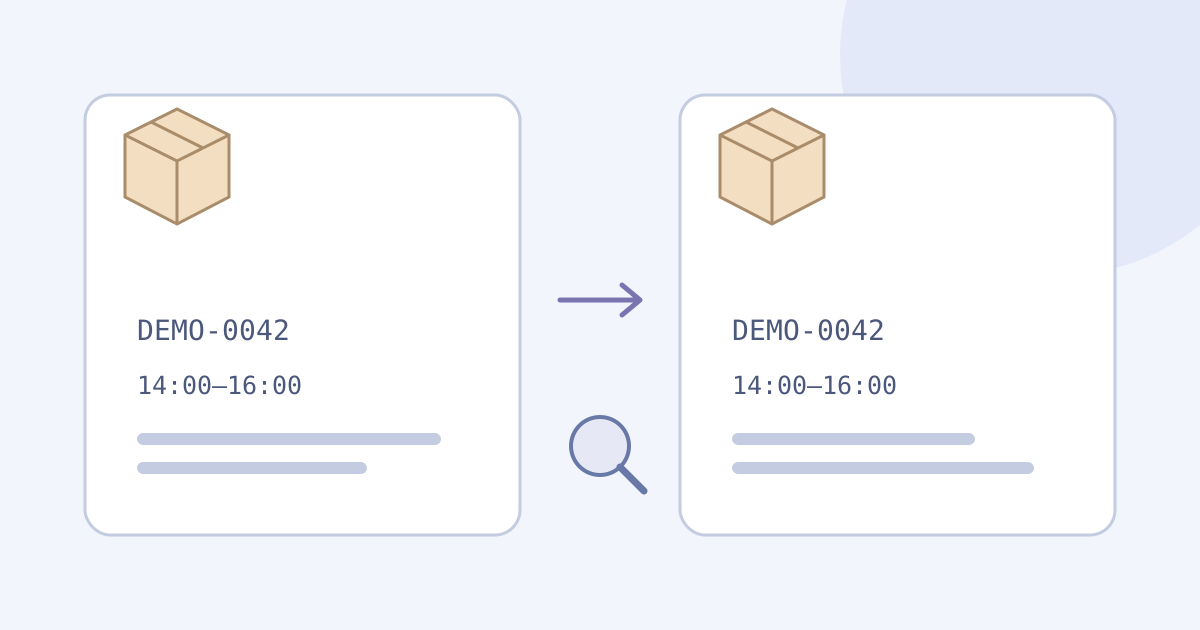
To translate a delivery notice, keep the original message, choose its source language, and translate the complete short passage. Compare the shipment identifier, reported status, dates, time window and requested action with the original. Keep estimates as estimates. A translation helps you read the notice; it does not verify the sender, locate a parcel or update a delivery arrangement.
- Open the carrier’s official website or app independently to check the current shipment record.
- Use only notice text you are permitted to send for online translation.
- Translate a complete short message, then compare its meaning and identifiers separately.
- Keep the original and checked reading together; resolve an unclear deadline or action with the actual carrier.
Choose the Message You Need to Read
A shipping email may contain a subject line, a shipment event, an estimated arrival and a button. Keep the labels that connect each date or number to its purpose. A tracking identifier and a shop’s order number can be different references; do not relabel one as the other or replace either with a translated phrase. If the verified carrier portal offers the language you need, check that version first.
Use the notice’s issue time and the current carrier record to distinguish an earlier update from the present status. Translate what the source actually says rather than guessing where the parcel is now. If it says delivery is expected, preserve that qualification; if a location, time zone or next step is missing, mark it unknown.
Try the Delivery-Notice Text Demo
The embedded demo starts with German as the source and English as the target for the fictional practice message below. For your own notice, select its actual source language and a supported target; the two must differ. Translation begins automatically after you pause typing or pasting. There is no Translate button or parcel-tracking mode.
- Keep the original message and useful existing results in your own permitted notes before replacing text.
- Paste a complete short passage with the relevant status and date labels. Wait for the current translation. Edits and language changes can start another request.
- Read the translated message beside the original. Treat any Explanation as separate commentary; it may be absent and does not authenticate the notice.
- Use ordinary browser selection to save useful text externally, then apply the comparison below.
Try it yourself
0 / 5,000 used · 5,000 left
Translation will appear here
Explanation
An explanation of translation choices appears here when your translation is ready.
Compare a Fictional German Notice
Author-written German practice message: “Sendung DEMO-0042 wurde noch nicht zugestellt. Voraussichtliche Zustellung: 9. November 2026, 14:00–16:00 Uhr. Bitte prüfen Sie den aktuellen Status im offiziellen Kundenportal.” This is a fictional language exercise, not a real shipment, a carrier’s instruction or captured JotMe output. DEMO-0042 is an invented reference, not a valid tracking number to look up.
Author-written English reference: “Shipment DEMO-0042 has not been delivered yet. Estimated delivery: 9 November 2026, 14:00–16:00. Please check the current status in the official customer portal.” This editorial reading is not observed provider output. The source gives no time zone, carrier name, collection address or payment request; the translation must not invent them.
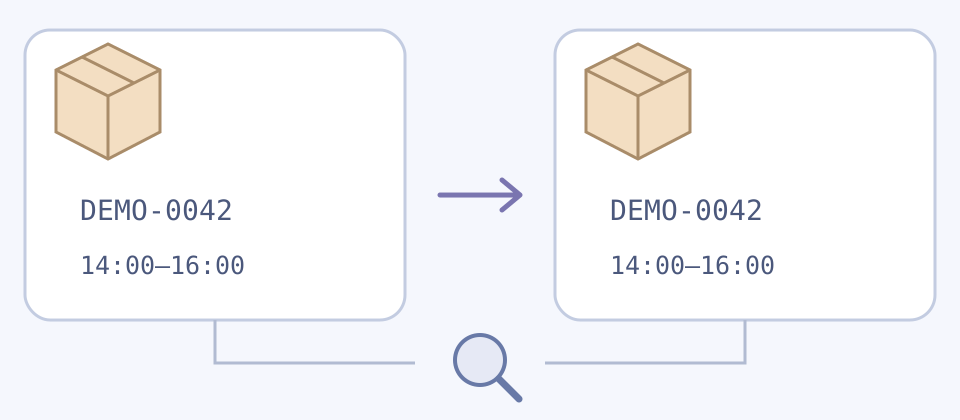
- Reference: keep DEMO-0042 exactly, including the letters, hyphen and leading zeros. Matching characters do not prove the surrounding sentence is accurate.
- Status: “has not been delivered yet” must not become “has been delivered.” Keep the negative and the continuing status. Do not infer that the parcel is lost or promise another attempt.
- Date and time: retain the estimated character, 9 November 2026 and the full 14:00–16:00 window. A change to month/day order or twelve-hour notation needs an unambiguous equivalent, not a guessed local-time conversion.
- Action: the message asks for a current-status check. It does not say to pay, collect the parcel or reschedule delivery. Use an independently opened official portal for a real shipment.
Check the Details Before Acting
- Keep who reported the event and when. A forwarded screenshot can show an old update; a readable translation does not make it the latest record.
- Compare the whole status sentence and its conditions. A notice describing a future event, an attempted event or a completed event should not silently become a different claim. Use the actual carrier’s definitions for its service.
- Keep place names and addresses tied to the source record. Do not translate a branch name into a guessed destination or publish someone’s full address as an example. Confirm practical arrangements with the carrier.
- For ambiguous dates, relative words such as tomorrow, mixed languages or cropped text, retain the uncertainty. Ask the carrier or a knowledgeable bilingual reader for clarification rather than joining guessed fragments.
For a decision note on this exercise: Reference: DEMO-0042; reported status: not delivered yet; delivery window: estimated, 9 November 2026, 14:00–16:00; time zone: not stated; requested action: check the current official portal status; actual shipment: none. Keep a note like this outside the demo, with corrections and their supporting source labeled separately.
Keep Translation Separate from Trust
A translated notice can still be fraudulent, outdated or unrelated to your order. Do not treat fluent wording, a familiar logo, a copied tracking reference or an automatic Explanation as proof of authenticity. Open the carrier’s known official website or app yourself and check the actual shipment before following a request to change details or pay. Do not open an unfamiliar link merely to translate the notice.
Use the Public Demo Within Its Limits
Before pasting a real notice, remove unrelated details you are not permitted to process online, including private addresses, account information, access codes and personal tracking records. Use the fictional message when unsure. A shortened or redacted copy may still be sensitive and may lose context; redaction does not guarantee anonymity or permission. Keep the untouched source only where you are allowed to retain it.
Read JotMe’s policy before sending text for online processing
The public text allowance starts at 5,000 lifetime tokens, including prior text-tool use, not 5,000 words or characters. Input, output and any explanation contribute; your balance may already be lower or zero. A different notice, language, day or retry does not reset it. Edits, language changes and retries can use more of the same balance. Save useful text externally before replacing it or leaving: insufficient allowance can clear input or results.
This component needs a network connection and accepts pasted text. It has no dedicated copy button, file-export control, carrier lookup, parcel notifications, delivery booking or saved shipment project. A persistent guest archive or transfer of guest results into a signed-in account is not promised. Use ordinary browser selection and your own permitted record.
If the notice is only visible in a photo or screenshot, use the separate image workflow within its own allowance and limits. Compare any original-language text you plan to paste here with the source image; a translated rendering is not the original. This text component does not import images, PDFs, webpages or a carrier account.
Read the screenshot translation workflow
Read how to keep a longer set of instructions in context
Open the full text translation page
Frequently Asked Questions
How Do I Translate a Delivery Notice into English?
Keep the complete original and choose its actual source language and English as the target. This article’s real text demo starts German to English and translates automatically after a pause. Compare the reference, whole status sentence, dates, time window and action beside the original. Open the carrier’s official service independently for the current shipment record; translation does not locate a parcel or authenticate a notice.
Should a Tracking Number Be Translated?
Keep a shipment identifier exact when referring to the same item: letters, case, digits, leading zeros and punctuation can matter. Translate its surrounding label without turning a shop order number into a carrier tracking number. The fictional DEMO-0042 reference is for practice and must not be looked up as a real parcel. Matching identifiers alone do not prove the notice’s meaning or authenticity.
Does Estimated Delivery Mean the Parcel Has Arrived?
Preserve what the actual notice says: an estimate is not a completed event. In the fictional example, the parcel has not been delivered yet and the time window is estimated. Do not invent a guarantee, loss, collection arrangement or time zone. Check the actual carrier’s current record and service definitions for a real shipment.
Can I Paste a Delivery Screenshot or Upload a PDF Here?
This embedded text component accepts pasted text, not image, PDF, webpage or carrier-account imports. A separate image workflow can help read a screenshot within its own limits. Verify original-language text against the image before continuing here; a translated rendering is not the original. Send only material you may process online and exclude private addresses, access codes and account information.
How Much Delivery-Notice Text Can I Translate for Free?
The public text allowance starts at 5,000 lifetime tokens including prior use, not 5,000 words or characters or a fresh balance per notice, day or language. Input, output and any explanation count; the remaining balance can already be lower or zero. Edits, language changes and retries may consume more of the same allowance. Save useful text externally because insufficient allowance can clear input or results.
Can the Translation Confirm a Delivery Text Is Genuine?
No. Fluent wording, a matching reference and an automatic Explanation do not verify the sender or payment request. Do not follow unfamiliar links merely to translate them. Open the carrier’s known official website or app independently to check the actual record and instructions. This demo does not authenticate messages, track parcels, book redelivery or authorize payments.
How Do I Save the Translation and Check an Unclear Date?
Use ordinary browser selection to save useful text beside its original in your own permitted notes; there is no dedicated copy button, file-export control or promised guest archive. Keep estimated dates, time windows and any stated time zone intact. Mark missing or ambiguous details instead of guessing a conversion, and resolve consequential uncertainty with the actual carrier or knowledgeable bilingual help.