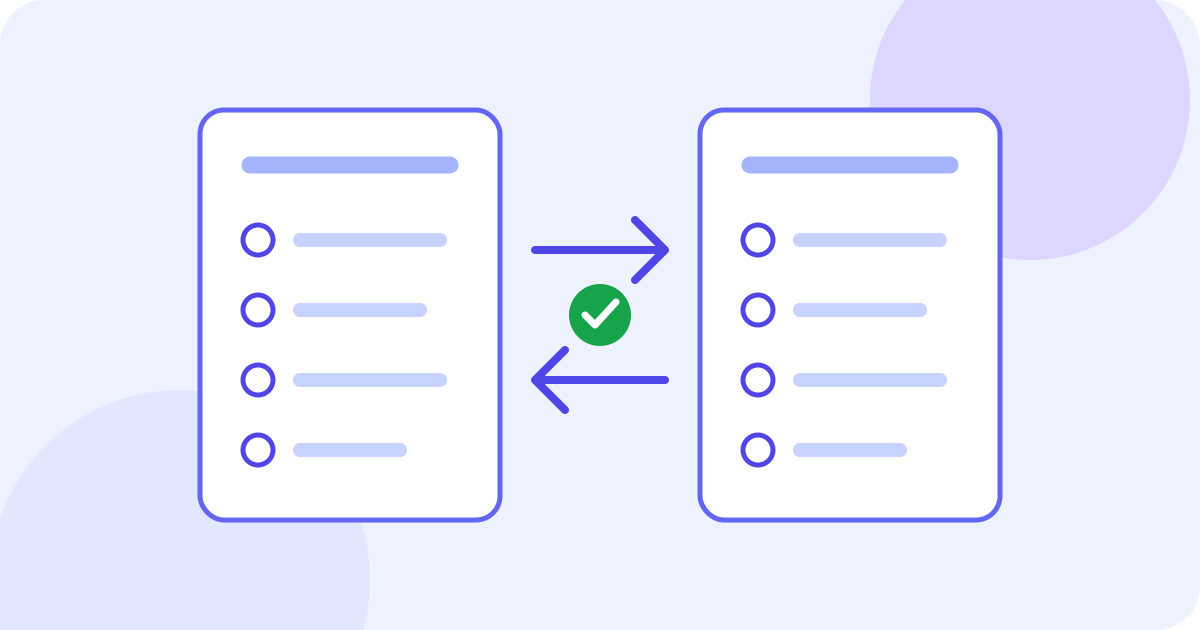
To translate a survey, keep a fixed source version, translate each question together with its instructions and answer options, then review the meaning before putting it into your survey platform. Preserve question IDs, response codes, time periods and routing. Preview the complete target-language form and test how intended respondents understand it. The JotMe demo below can draft a short pasted passage; it does not build a multilingual survey or establish that two language versions measure the same thing.
- Prepare a source question with its full answer set and context.
- Choose the actual source language and a supported target language.
- Draft and review the wording, keeping IDs and codes traceable.
- Add the reviewed text to your survey platform yourself and check its settings.
- Pretest the complete form with the intended audience before distributing it.
Choose the right translation task
Translating questions before a survey is sent is different from translating responses after people have answered. This guide covers question wording and answer choices. Keep raw responses separate; do not paste identifiable participant data into a practice example. If your survey platform already supports multiple languages, use its own translation workflow for languages, field mappings, validation messages and routing. A text draft does not configure those settings.
For an established questionnaire, check the owner’s licence and whether an authorized version already exists in the required language and population. Do not casually replace a standardized or regulated instrument with your own AI translation. Follow the study’s review requirements; fluent wording alone does not establish reliability, validity or cross-language comparability.
Prepare one complete question and its context
- Save the source version and a separate working copy. Give each question a stable ID and record the intended audience, language variety, mode and purpose.
- Include the question, instruction, every answer option and any relevant definition or routing note. Translating one isolated label can hide what it is answering.
- Clarify an ambiguous term or date range in the source before translating. Record approved terminology rather than asking a translator to guess the study design.
- Use material you have permission to process. Omit respondent names, answers, contact information and confidential project details from practice text. This demo sends text for network processing; check the applicable privacy terms.
Draft a short question with the text demo
The example starts with English as the source and Spanish as the target. For your own material, select its actual source and a different supported target before pasting. Prepare the passage and a place to save the result outside the demo. Check the remaining balance: the initial lifetime text allowance is 5,000 estimated tokens shared across requests, including source, translation and any explanation. Previous use can leave less. Edits, language changes or splitting questions do not reset it.
- Choose the language pair, then paste a short question with all its options.
- Pause after typing; translation starts automatically after about one second. There is no separate Translate button, and editing or changing languages can start another request.
- Read the draft beside the source. Any Explanation describes generated choices, not independent proof of equivalence; an explanation may be absent.
- Select and copy visible text if your browser allows, or transfer a short checked passage manually. Inspect the pasted copy and save it elsewhere before another edit, selector change or navigation. A limit can clear the input and result.
- Correct the wording in your own document. This component has no output correction editor, dedicated copy-all control, survey download, form importer or automatic transfer of the current draft into an account.
Use this fictional author-written practice item, not an established scale or an observed JotMe result: “Q1. In the past 7 days, on how many days did you use the shared room-booking page? Select one answer. A: I had access but did not use the page. B: 1–2 days. C: 3–4 days. D: 5–7 days. X: I did not have access to the page.”
Try it yourself
0 / 5,000 used · 5,000 left
Translation will appear here
Explanation
An explanation of translation choices appears here when your translation is ready.
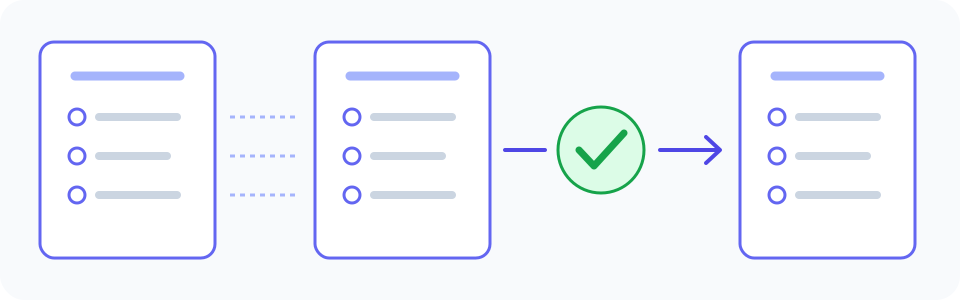
Check the question, answer set and codes together
An author-written Spanish reference is: “Q1. En los últimos 7 días, ¿cuántos días utilizaste la página compartida para reservar salas? Selecciona una respuesta. A: Tuve acceso, pero no utilicé la página. B: 1–2 días. C: 3–4 días. D: 5–7 días. X: No tuve acceso a la página.” This is an illustration, not a tested instrument, a guaranteed tool output or the only appropriate Spanish wording. Choose the register and regional wording for your intended respondents with a knowledgeable reviewer.
- Time period: the past 7 days is a rolling period. Do not quietly replace it with last calendar week or the past month.
- Unit: the question counts days of use, not the number of bookings or the number of times a page was opened.
- Ranges: retain 1–2, 3–4 and 5–7 days, with no missing or overlapping numeric category introduced by translation.
- Codes: A, B, C, D and X remain linked to their corresponding meanings. A fluent label in the wrong coded field can change the data.
- Eligibility: X says the person did not have access. It is different from A, having access but reporting no use; do not silently convert X into zero.
- Instruction: select one answer must remain consistent with the actual single-choice setting in the form. The text demo does not set that control for you.
You can compare visible numbers, IDs, option counts and ordering without knowing Spanish. Those checks cannot establish whether a negative, time expression or unfamiliar term means the same thing. A reviewer who knows both languages and the survey’s purpose needs the complete item and context. Back-translation can highlight a possible problem, but an apparently matching back-translation can miss a poor target-language question.
Keep scales and missing-answer categories distinct
For an agreement or frequency scale, review the full set of labels together. Preserve the intended direction and degree of each option rather than treating every word independently. Do not add, remove or merge options such as neutral, do not know, not applicable or prefer not to answer unless that is a deliberate design change approved through the project’s process. These categories can represent different answers; they are not automatically interchangeable or numeric zero.
Keep a decision log in your own document: question ID, original wording, proposed wording, the issue, reviewed decision and version. If an adaptation changes the concept or answer set, label it as an adaptation and involve the survey designer. Do not make a change merely to get a smoother sentence, then claim the measurement stayed identical.
Review meaning with the intended audience
Pew Research Center describes a team process that combines translation, review, adjudication, pretesting and documentation. Its example shows why clear source intent and discussion matter as well as grammatical accuracy. Use expertise suited to your study; this small demo is a drafting aid, not a substitute for that work.
Read Pew Research Center’s explanation of survey-question translation
- Ask a bilingual reviewer to inspect the complete question, options, instructions and relevant routing against the source intent. Record unresolved alternatives instead of concealing disagreement.
- Pretest the actual target-language form with people resembling its intended respondents. Ask what they think a question and each option mean, rather than only whether the wording sounds good.
- Check specialist vocabulary, local references, reading level and whether a spoken or written presentation changes how the item is understood. Resolve issues using the project’s review process.
- Keep the reviewed wording and decision history identifiable. If the source question changes later, revisit every affected translation and its dependent instructions.
Put reviewed wording into the actual form
Copy the reviewed text into the corresponding fields of your survey platform yourself, using its current documentation. Keep its IDs, placeholders, embedded values and any import format intact. Do not paste a language code into an answer field or translate a routing instruction into a new rule by accident. JotMe’s text demo does not connect to Qualtrics, SurveyMonkey, Google Forms or another survey system.
Qualtrics’ own guide illustrates why content translation and platform setup are separate: it includes translation fields, respondent-language settings, import IDs and previews. The exact controls and available features depend on the platform and account; this guide does not promise those features in JotMe.
Use the current Qualtrics translation documentation when working in Qualtrics
- Preview every target language in the actual form. Confirm that each question shows its complete matching answer set and that nothing is cut off.
- Exercise the relevant paths: single/multiple choice, required or optional fields, validation, skip logic and any language-specific messages. A translated instruction does not prove that its setting works.
- Inspect script, punctuation, special characters and right-to-left presentation where applicable. Keep numeric codes and the visible labels paired correctly.
- Check the saved or exported test data with a permitted test response: labels and codes must still map to the intended answers. Do not treat real participant responses as disposable test data.
- Complete the project’s review and pretest before distributing the form. Retain the source and final language versions with their actual revision dates.
Work in sections without losing survey context
For a longer questionnaire, keep a question and its full answer set together. Include nearby definitions or instructions needed to interpret it, and use the same reviewed terminology across sections. Check the assembled form for cross-references and omitted text. Work only while the displayed allowance permits; splitting does not increase the shared balance. If more work needs an account or another service, follow its actual terms and re-enter your saved source where needed, without assuming the current draft transfers.
For a question copied from a photograph, use the separate image workflow and verify the original text before treating it as source. For email invitations, use the separate email workflow; an invitation translation does not translate the questionnaire or send it to participants.
Open the full text translation tool
Translate a separate survey invitation email
Check original words in a handwritten source
Frequently asked questions
How do I translate a survey into another language?
Save a fixed source, translate each question with its instructions and all answer options, then review the intended meaning. Preserve IDs, response codes, units and time periods. Put reviewed wording into your own survey platform, check the complete form and pretest it with the intended audience. A pasted-text draft does not configure the form or establish measurement equivalence.
Can JotMe import and translate my Google Form or survey link?
This embedded text component accepts typed or pasted text. It does not import a survey link, connect to a form builder, change routing or publish a multilingual form. Use your survey platform’s own workflow for its fields and settings; you add the reviewed wording yourself.
Should I translate each answer option separately?
Keep the complete question, instruction and answer set together with the context needed to understand them. Review scale labels as a set and preserve their codes and ordering. Separate translations can still use inconsistent terminology, so check the assembled questionnaire as well as each item.
Does back-translation prove a survey is equivalent?
No. It can help identify questions to investigate, but can miss awkward or misleading target-language wording or raise false alarms. Review the actual target version with appropriate bilingual and survey expertise, and pretest how intended respondents understand it. Fluent wording and an Explanation panel do not establish validity or comparability.
Can I translate a standardized questionnaire with this demo?
Check the instrument owner’s permission and any authorized language version first. Follow the instrument’s and project’s review and adaptation requirements. A new AI text draft is not an authorized or validated instrument merely because it resembles the original.
Is the allowance enough for a complete survey?
That is not guaranteed. The initial lifetime text allowance is 5,000 estimated tokens shared across requests, including source, translation and any explanation; prior use can leave less. Check the counter. Splitting, editing or changing languages does not reset it. Save source and checked wording outside the tool because a limit can clear the input and result.
Can I download or correct the translated form here?
There is no survey download, output correction editor or dedicated copy-all control in this text component. Select and copy visible wording if your browser permits, or transfer a checked passage manually into your own document. Inspect and save it before changing input or languages or leaving. Creating an account does not promise that this draft moves into a saved form.