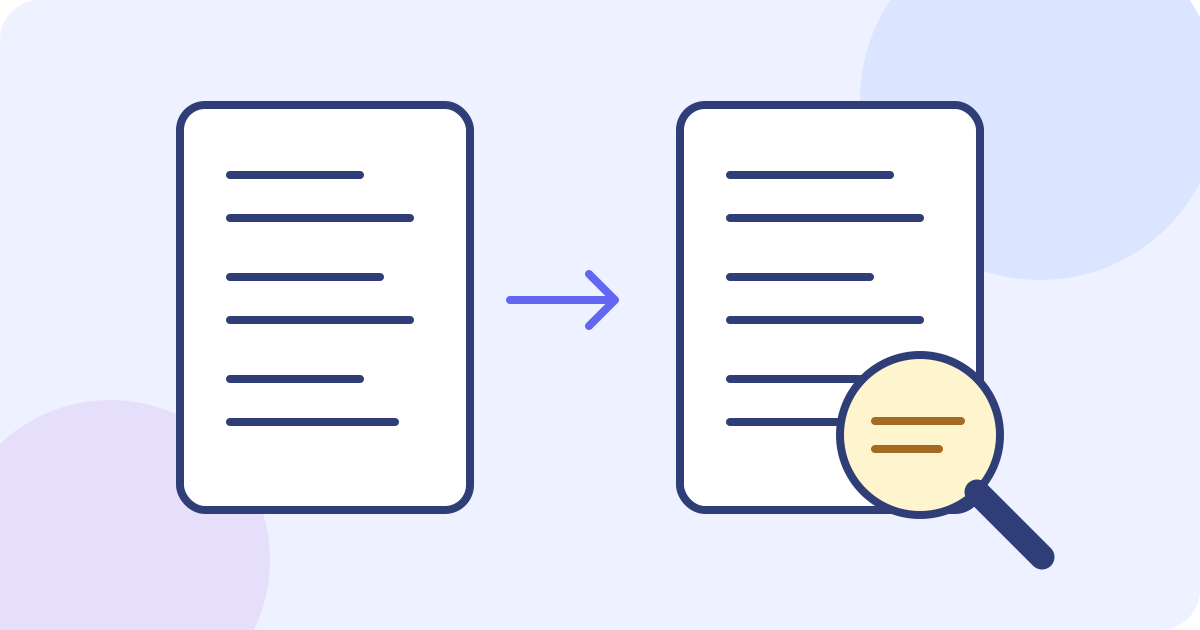
To translate a resume, keep an unchanged source copy, translate its text into the language requested for the application, then compare every role, qualification, date and number with the original. Put the checked wording back into your own document and inspect the finished file. The JotMe demo below helps with a pasted section; it does not upload, redesign or submit a resume for you.
- Prepare a separate source copy and a short passage you can check.
- Choose the actual source language and a supported target language.
- Translate one section, then compare its facts with your records.
- Save reviewed wording in your own document and repeat while allowance remains.
- Check terminology across sections and inspect the actual final file before sending it yourself.
Choose the language and the kind of help you need
- The application specifies a language or template: follow those instructions. If the requirement is unclear, ask the recipient rather than assuming every employer in a country wants the same format.
- You need a draft translation of selectable text: paste a short section into the text demo, choose its source language and a supported target, then review the result.
- You need a translated PDF or Word layout, an assessment of a qualification, or a formally accepted translation: those are separate tasks. Check the recipient’s requirements and use an appropriate document workflow or qualified reviewer.
A translation changes the language of claims you already make. Tailoring changes which relevant facts you emphasize, and credential evaluation assesses a qualification. Keep those decisions separate. Translating a title is not permission to promote yourself, add a skill, or rename a degree as an apparently equivalent award.
Prepare a source copy you can check
- Save the original resume and create a separate working copy. Keep a record of which version you are translating and which application it is for.
- Read the source section first. Resolve an ambiguous date, unexplained abbreviation or incomplete sentence before asking a tool to interpret it.
- Make a small reference list of your name, employers, institutions, official qualification names, software names and relevant links. Use the organization’s own established name where one exists; do not invent one.
- List the facts that must survive: employment periods, responsibilities, team size, quantities, units, grades, language levels and whether a qualification is completed or in progress.
- Remove information you do not need to send to the service. Do not paste another person’s contact details, a reference’s private information, identity numbers or confidential employer material into a practice example.
Use text you have permission to process and consider who may receive the translated version. This demo sends text for network processing; it is not an entirely offline editor or a promise of a particular retention or deletion schedule. Read the actual privacy terms before sharing sensitive information. A fictional passage is enough to understand the workflow.
Translate a short resume section with the live text demo
The following Spanish passage is an author-written fictional resume section, not a real applicant’s record or an observed JotMe result: “Auxiliar administrativo — Faro Azul (empresa ficticia). Marzo de 2022–octubre de 2024. Coordiné reservas de salas para un equipo de 12 personas y tramité 40 solicitudes al mes. No supervisé personal.” The embedded selectors start with Spanish as the source and English as the target. For your own passage, choose the actual source and a different supported target language before pasting.
Before trying the demo, prepare the passage outside it, choose the languages first and check the remaining balance. Translation starts after a typing pause; edits or language changes can use more of the shared allowance. Save each useful result elsewhere before changing anything.
- Keep the source section and your working document outside the demo. The input and current result are not your saved resume.
- Check both language selectors, then type or paste the short passage. Translation begins automatically after a brief pause; there is no separate Translate button in this component. Editing the text or changing a selector can start another request.
- Read the translated text and any Explanation beneath it. An explanation describes generated translation choices; it does not independently verify the facts or guarantee accuracy. An explanation may be absent.
- Compare the result line by line with the source and your reference list. Mark an uncertain term for review rather than silently choosing a more impressive title or qualification.
- Select and copy the visible translation if your browser permits, or manually transfer a short checked passage into your own document. Inspect the pasted text before changing the input, changing languages or leaving the page. This component has no dedicated copy-all control, resume download or output correction editor.
Try it yourself
0 / 5,000 used · 5,000 left
Translation will appear here
Explanation
An explanation of translation choices appears here when your translation is ready.
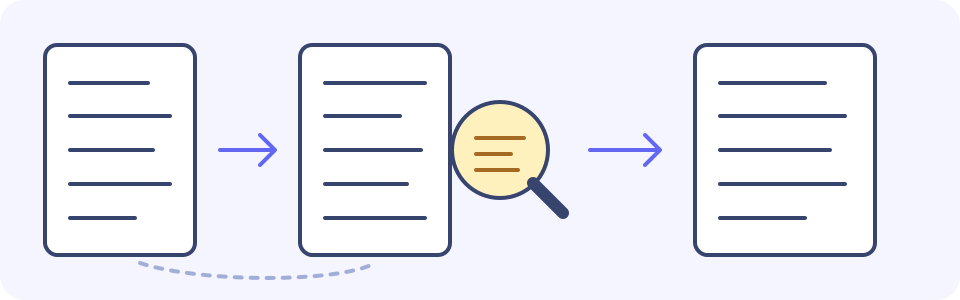
Worked example: inspect the claims, not just the wording
For comparison, an author-written English rendering of the fictional passage is: “Administrative assistant — Faro Azul (fictional company). March 2022–October 2024. Coordinated room bookings for a team of 12 people and handled 40 requests per month. Did not supervise staff.” This is an illustrative reference, not a promise that the demo will return these words or the only acceptable translation. Compare any actual output with the Spanish source.
- Source: “Marzo de 2022–octubre de 2024.” Reviewed English: “March 2022–October 2024.” Check: the same employment period, not “present.”
- Source: “un equipo de 12 personas” and “No supervisé personal.” Reviewed English: “a team of 12 people” and “Did not supervise staff.” Check: team size does not establish supervision.
- Source: “40 solicitudes al mes.” Reviewed English: “40 requests per month.” Check: both 40 and the monthly unit stay attached to requests.
- Role: administrative assistant describes the stated role. “Office manager” would add a level of responsibility that the passage does not establish.
- Organization: Faro Azul is the fictional employer’s name. Do not casually replace it with a translated brand name that looks like a different organization.
- Dates: March 2022 through October 2024 must remain the same employment period. Do not change the end date to “present.”
- Quantity: 12 refers to people in the team, not people supervised. The source explicitly says the applicant did not supervise staff.
- Workload: 40 refers to requests per month, not per week or per day. Preserve both the quantity and its unit.
- Scope: coordinating bookings is not evidence of revenue growth, project leadership or a management qualification. Do not invent a percentage improvement to strengthen the bullet.
Work through the remaining sections consistently
- Summary: translate the claims you actually make; do not add experience or a language level.
- Experience: work through one role at a time, preserving its dates, scope, quantities and qualifiers.
- Education: keep the actual award, institution and completion status traceable to your records.
- Skills: compare recurring technical terms with the reviewed wording used in the other sections.
- Continue only while the displayed allowance permits. Put the sections together in your own document and check recurring terminology across the complete resume.
Maintain a reference list in your own document. Each entry has an original term, a reviewed translation and every place it is used. This is a manual consistency aid, not a glossary saved by the demo.
- Original term: Auxiliar administrativo. Reviewed English: Administrative assistant. Where used: Faro Azul experience entry and any accurate reference to that same role in the summary.
- Original term: Faro Azul. Reviewed wording: Faro Azul, unchanged. Where used: employer name and any other reference to that fictional organization.
- For a real qualification or specialist term, record only a translation you have checked; leave unresolved wording flagged instead of inventing an equivalent.
Handle job titles and qualifications without adding a claim
Choose wording that describes the actual job and its scope. If a title has no clear counterpart, keep the original title alongside a brief factual description you can support. A vacancy’s terminology can help you understand usage, but it does not make its seniority or responsibilities yours. Ask a fluent reviewer about an uncertain term instead of treating a confident explanation as a decision.
Keep the actual qualification, awarding institution, subject and completion status traceable to your records. A translation is not an equivalency assessment: do not replace an unfamiliar award with “Bachelor’s,” “Master’s,” a licence or another designation merely because it sounds close. Where an official translated name is available, check it against the issuer’s record. If recognition or supporting documents are required, follow the recipient’s separate process.
Treat names and identifiers as reference material, not ordinary words to rewrite. Check employer and institution names, product names, professional designations, email addresses and URLs individually. A short explanatory description may help a reader, but it should be clearly additional context and supported by facts. Do not add or remove parts of an official name without checking the source.
Check dates, numbers and language levels separately
- Resolve ambiguous numeric dates in the source. If 03/04/2024 is unclear, do not guess which month it means. Once confirmed, write a month name or another unambiguous form appropriate to the application.
- Compare every digit, range, percentage and unit. A larger-looking number with a changed currency, decimal separator or time period is a different claim.
- Keep “in progress,” “temporary,” “part-time,” “assisted” and other limits attached to the relevant work. Removing a qualifier can change the experience being described.
- Translate language ability faithfully. A translated resume is not evidence that you speak its target language; do not change a stated beginner level into fluent or add an unearned certificate.
Put the checked text back into your document
The text demo processes the words you paste. It does not import a PDF or DOCX, preserve its columns and fonts, translate an attachment, reconstruct a scanned page, or return a finished resume file. If you start from a PDF with selectable text, inspect the copied order before translation: columns, headers or line breaks can become mixed. If the words are only in an image, obtaining readable source text is a separate step that also needs checking.
- Paste the reviewed wording into a separate copy of your resume, keeping the source version available for comparison. Make corrections in your document; the demo’s output panel is not an editor.
- Read the document in order. Check headings, bullet boundaries, chronology, line breaks, links and whether text has been cut off or moved to the wrong section.
- Open the actual file you plan to send. If you export it in your own editor, check that exported copy too; a correct working document does not prove that its PDF or Word export is intact.
- Where text can be selected, paste a relevant section from the finished file into a plain-text note and inspect its order and characters. This can reveal a problem; it is not an ATS score or a guarantee that any hiring system will parse or accept the file.
Use the displayed allowance rather than assuming a full resume fits
Check the displayed balance before starting. The text demo’s initial lifetime allowance is 5,000 estimated tokens, shared across requests; previous use can leave less. Source text, translated output and any explanation all count, so this is not a 5,000-word source allowance or a promise that every resume fits.
Work with a short, meaningful section and inspect the current balance. Keep your source and any checked result outside the tool before editing: an insufficient or exhausted quota can clear the input and result and show the limit prompt. Changing the passage, switching languages or splitting a resume does not reset the shared allowance. If no allowance remains, continue the review in your own document or follow the offered account/app path under its current terms; this article does not promise a new allowance, a finished file or transfer of the current draft.
Decide what needs a fluent or professional review
Have someone who understands both languages and the relevant work review unresolved titles, specialist terminology and qualifications. Give them the source wording and the specific uncertainty. Back-translating a draft can raise a question, but two fluent outputs can repeat the same error; neither back-translation nor the Explanation panel proves that the target is accurate.
For certification, credential recognition or a regulated submission, check the receiving organization’s exact instructions before choosing a service. JotMe’s pasted-text output does not certify a translation, evaluate a degree, verify employment or guarantee an application outcome. A resume and its supporting certificates are separate records; translating the resume does not translate or validate those certificates.
Keep the resume, cover note and messages distinct
Your resume records experience; an application message explains why you are sending it. Review the recipient, application fields and required attachments in the actual application system. The demo does not connect to an inbox, submit an application, contact an employer or send the translated document. For correspondence, use the separate email or text-message workflow.
Translate an application email or a separate reply
Translate a selectable text message
Open the full text translation tool for a checked passage
- Use the language and document instructions given for the application.
- Keep original and translated versions separate and identifiable.
- Check names, titles, qualifications, dates, quantities, units and every qualifier against the source.
- Resolve or clearly flag uncertain wording; do not add achievements or claim a qualification you have not established.
- Inspect the actual final document and submission details before sending it yourself.
Frequently asked questions
How do I translate my resume into English?
Keep an unchanged source copy, choose the actual source language and English as the target, then translate a short section and compare it with your records. Check job scope, qualification names, dates, numbers and qualifiers before putting the reviewed wording into your own document. The demo translates pasted text; it does not turn a resume file into a finished English PDF or submit it.
Can I upload a PDF or Word resume to this demo?
No. This embedded component accepts typed or pasted text, not PDF or DOCX uploads. For selectable text, copy a section and check its order before translation. A scanned page needs a separate source-text step. Keep layout work and file export in your document editor, then inspect the actual final file.
Will it keep company names and translate job titles correctly?
Do not assume so. Compare names, titles and responsibilities with the source and reliable reference information. Use an organization’s established translated name if verified, and keep an uncertain original title with a factual explanation where useful. Do not infer seniority, management duties or a qualification from a fluent translation or an explanation.
Does translating a degree name establish its foreign equivalent?
No. Keep the actual award, issuer, subject and completion status traceable to the source. Do not substitute another country’s degree or licence on the basis of similar wording. Translation, formal recognition and any required supporting-document translation are separate tasks; follow the recipient’s instructions.
Is the free allowance enough for any complete resume?
That is not guaranteed. The initial lifetime text allowance is 5,000 estimated tokens shared across requests; source text, translation and any explanation count, and previous use can leave less. Check the counter and work section by section only while allowance remains. Splitting, editing or switching languages does not reset it. A limit can clear the input and result, so keep your source and checked wording saved elsewhere.
Can I download or edit the translated resume here?
The demo has no resume download, dedicated copy-all control or output correction editor. Select and copy visible text if your browser allows, or transfer a short checked passage manually. Inspect the pasted copy in your own document and save it before changing input or languages or leaving. Creating an account does not promise that this draft or a finished resume will transfer.
Does this produce a certified or ATS-approved resume?
No. Pasted-text translation does not certify a document, evaluate a credential, verify your experience or guarantee ATS parsing, employer acceptance or a job outcome. Check any formal requirements with the receiving organization and use an appropriate reviewer or service. Inspect the final document yourself; an explanation or back-translation is not independent proof of accuracy.