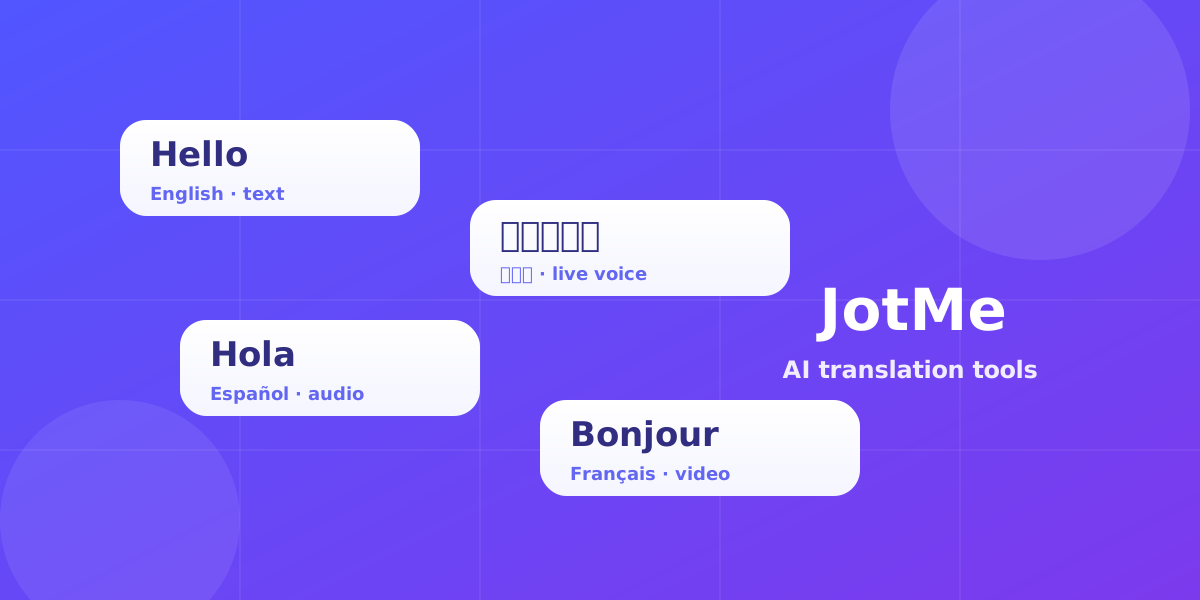
Translation is no longer a single task. The phrase "translation tool" now covers live voice interpreting, audio and video file translation, real-time transcription, and AI text translation — and each one solves a different problem. Choosing the wrong tool is the most common reason multilingual work feels slow: people reach for a basic text box when they actually needed a live translator, or they paste a transcript into a chatbot when they needed speaker-aware transcription. This guide breaks down the main categories, what to look for in each, and how JotMe handles all of them in one place.
Start with the job, not the tool
Before comparing features, decide what you are actually translating. The format of your source content — a live conversation, a recorded file, or written text — narrows the field faster than any feature list. Ask yourself three questions:
- Is the content happening live, or has it already been recorded?
- Do you need spoken output, written output, or both?
- Does the result need to be saved, searched, and shared afterward?
Your answers point to one of the four tool categories below. Each is built for a different shape of work, and the best results come from matching the tool to the job rather than forcing one tool to do everything.
1. Real-time voice translation
Live voice translation is the right tool when a conversation is happening now and the people in it speak different languages — meetings, sales calls, interviews, lectures, and events. The best tools here do not wait for a full sentence before translating; they follow the conversation as it unfolds and refine the output as more context arrives. That matters because spoken language is messy: people interrupt, restart, and rely on shared context. A good real-time translator preserves intent and meaning instead of producing literal, word-for-word output that loses the point.
What to look for: low latency, support for the languages your team actually uses, and meaning-first translation rather than rigid word swaps. JotMe Live Translation runs in the browser, translates speech in real time, and keeps a running transcript so nothing is lost when the call ends.
Try it yourself
ENGLISH (US) TO SPANISH REAL-TIME SPEECH TO TEXT CONTEXTUAL TRANSLATION
Press Start to begin real-time translation
2. Audio and video file translation
When the content has already been recorded, you need file translation rather than a live tool. This covers recorded meetings, voice notes, podcasts, webinars, training videos, and customer calls. The goal is to turn a recording into translated, readable text that the whole team can use — even if they were not in the room and do not speak the original language.
What to look for: accurate transcription of the source audio first, then translation that keeps segment context so the meaning of each part stays intact. JotMe can translate uploaded audio files and video files into text across 200+ languages, which makes recordings useful long after the original event.
Try it yourself
3. Real-time transcription (speech to text)
Sometimes you do not need translation at all — you need a reliable written record of what was said in the original language. That is transcription. It is the foundation for searchable notes, meeting records, accessibility, and any later step like translation or summarization. Speaker-aware transcription, where the text is grouped by who is talking, is far more useful than a wall of undifferentiated text.
What to look for: real-time output you can read as the conversation happens, accuracy across accents, and a clean transcript you can export. JotMe Live Transcription delivers real-time voice-to-text in 200+ languages, giving teams a source of truth they can revisit.
Try it yourself
LIVE TRANSCRIPTION — ENGLISH (US)
Press Start to begin real-time transcription
4. AI text translation
For written content — messages, emails, documents, and customer replies — AI text translation is the fastest path. The difference between a basic translator and a modern AI translator is context. A basic tool returns only the translated words; a strong AI translator also explains tone, nuance, and intent so you understand not just what was said, but how it was meant. That is especially important for work communication, where a small misread of tone can cause real problems.
What to look for: support for the language pairs you use, and explanation notes that clarify meaning rather than just swapping words. JotMe Text Translation pairs the translation with context notes so you can act on a message with confidence.
Try it yourself
0 / 5,000 used · 5,000 left
Translation will appear here
Explanation
An explanation of translation choices appears here when your translation is ready.
How to choose: a quick checklist
- Live conversation in mixed languages → use real-time voice translation.
- A recorded audio or video file → use audio or video file translation.
- A live conversation you need on record in one language → use real-time transcription.
- Written text you need to understand or send → use AI text translation.
- You need all of the above without juggling apps → use one platform that covers every mode.
Why one connected platform beats a pile of tools
Most teams do not have just one translation need — they have all four, scattered across the week. Switching between separate apps for live calls, file translation, transcription, and text creates friction and breaks the thread between a conversation and the record of it. The advantage of a connected platform is continuity: a live meeting can be translated in real time, transcribed at the same moment, and the result kept as searchable text you can translate again or share later. JotMe is built around this idea — it acts as the AI layer for multilingual work, so the conversation and everything that comes after it stay aligned.
The bottom line
The "best" translation tool is the one that matches the shape of your content. Match live work to real-time translation, recordings to file translation, spoken records to transcription, and written communication to AI text translation. If your work spans several of these — and most does — a single platform that handles every mode will save the most time. Every JotMe tool below is free to try in your browser, with no sign up, so you can test each one against your own work before deciding.